Skip to content
The Official Blog The Official Blog
  • Home
  • About AlertBot
  • Home
  • About AlertBot
  • FaceBook
  • X
  • Instagram
  • LinkedIn
Free Trial
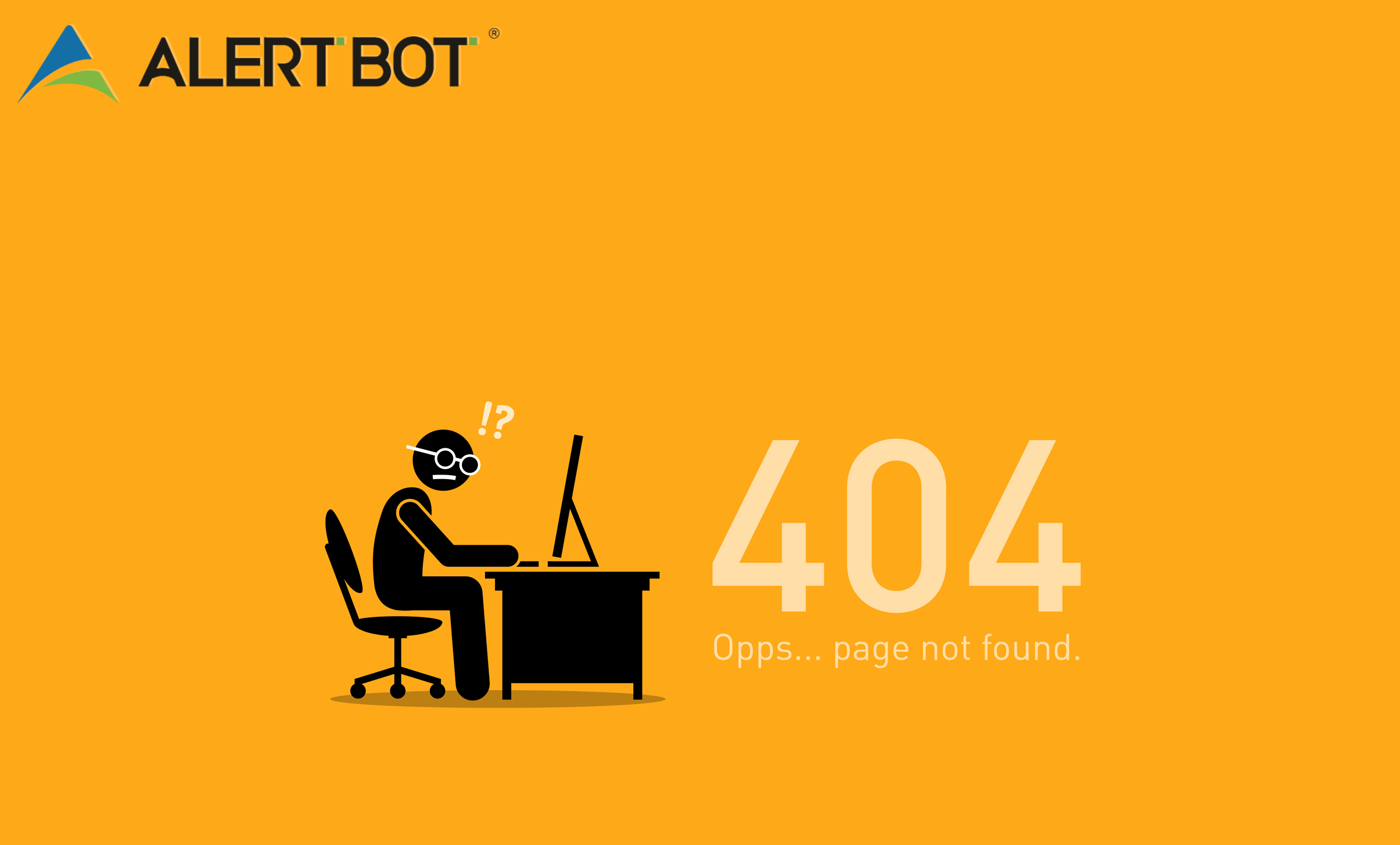
A graphic with a bright orange background and a cartoonish illustration of a man with glasses sitting at his desk facing his computer looking angry.
Ecommerce PerformanceReal Browser Website MonitoringUptime MonitoringWeb Performance Tips

The (Not-So-Magnificent) 7 HTTPS Errors that Infuriate Customers and Ruin Reputations

By AlertBot
November 19, 2019 3 Min Read
Comments Off on The (Not-So-Magnificent) 7 HTTPS Errors that Infuriate Customers and Ruin Reputations

A graphic with a bright orange background and a cartoonish illustration of a man with glasses sitting at his desk facing his computer looking angry. Next to this graphic are the numbers "404" and text "Oops... page not found." Article title above it reads "The (Not-So-Magnificent) 7 HTTPS Errors that Infuriate Customers and Ruin Reputations"

The (Not-So-Magnificent) 7 HTTPS Errors that Infuriate Customers and Ruin Reputations

by Louis Kingston

In the classic flick The Magnificent Seven, a pack of essentially decent but “don’t you dare park your horse in my spot or else you’ll get your spurs blasted” gunslingers come together to rid a village of some nasty bandits. There’s action. There’s drama. There’s tragedy. There’s humor. There’s romance. There’s Steve freakin’ McQueen. What’s not to love?

Well, on the dusty and dangerous internet landscape, instead of a magnificent seven to save the day, there exists seven not-so-magnificent HTTPS errors that are impossible to like, let alone love. Why? Because their purpose is to block visitors from reaching websites — which leads to lost customers and wrecked reputations.

Here’s a look at the reprehensible HTTPS errors that have their picture on Most Wanted Lists in every post office from Tombstone to Dodge City:

403 Forbidden: The 403 Forbidden error means that the server is absolutely refusing — no ifs, ands or buts — to grant permission to access a resource, despite the fact that a request is valid. Common causes include missing index files, and incorrect .htaccess configuration.

404 Not Found: The 404 Not Found error means that a web page or other resource can’t be found because they simply don’t exist. Common reasons for this include a broken link, mistyped URL, or that someone moved or deleted a page and didn’t update the server (which happens a lot).

408 Request Time Out: The 408 Request Time Out error means that the server can’t find the target or resource that it’s searching for, and after a while, just throws in the towel. Often, this is because the server is overloaded.

410 Gone: Whereas (as noted above) a 404 error implies that there might be some hope — i.e. the target file might be somewhere, just not where it’s supposed to be — the 410 Gone error snuffs out any possible optimism. It’s totally, completely and permanently gone.

500 Internal Server Error: The 500 Internal Server Error means that the server cannot process a request for any number of reasons, such as missing packages, misconfiguration, and overload.

503 Service Unavailable: The 503 Service Unavailable error means that the server is either down because of maintenance, or because it’s overloaded. Either way, the server is conjuring up its inner Gandalf and screaming: “YOU SHALL NOT PASS!”

504 Gateway Time-Out: The 504 Gateway Time-Out error means that a higher-level upstream server isn’t working and playing well with a lower-level downstream server. After a while, the downstream server gets the message that it’s not wanted, and says “Oh yeah? Well, I don’t need you either!”

Calling in the Marshall
The bad news is that these reprehensible HTTPS errors, if left unchecked, can cause a lot of damage. Indeed, few things irk and offend website visitors more than seeing an error code. But the good news is that you can call in the Marshall— a.k.a. AlertBot — to restore law and order.

AlertBot constantly scans your site’s pages to watch out for these and other HTTP errors. If and when they are detected, authorized employees (e.g. webmasters, sysadmins, etc.) are proactively notified so they can take swift action and fix the problem.

It’s lightening fast, always reliable, and as smooth as Steve McQueen. Dastardly, good-fer-nuthin’ HTTPS errors don’t stand a chance!

Louis is a writer, author, and avid film fan. He has been writing professionally for tech blogs and local organizations for over a decade. Louis currently resides in Allentown, PA, with his wife and German Shepherd Einstein, where he writes articles for InfoGenius, Inc, and overthinks the mythos of his favorite fandoms.


Tags:

403404408410500503504errorsfeatureMagnificent 7performance speedserver monitoringsynthetic monitoringweb performancewebsite monitoringwebsite performance
Author

AlertBot

Follow Me
Other Articles
A graphic with a yellow starburst in the center and two robots charging towards each other. Both are carrying shopping bags. Text reads "AlertBot Showdown: Aeropostale vs GAP" with the word SHOWDOWN very large at the bottom.
Previous

AlertBot Showdown: Aeropostale vs GAP (The Final Showdown)

A finger resting on a yellow star with four blank stars to the right of it, meaning it's a 1 star rating.
Next

Word (and Warning) to the Wise: Site Downtime isn’t Just a Technical Issue — it’s a Customer Experience Problem

Recent Posts

  • Unpacking the Elements of Site Uptime (by way of Jeopardy!)
  • API Monitoring Basics
  • Reality Bites: 7 Key Disadvantages of Real User Monitoring
  • 100% Solutions, Zero Snark: What Makes AlertBot Customer Support Superior
  • Synthetic Monitoring: Frequently Asked Questions

Recent Comments

No comments to show.

Archives

  • October 2025
  • August 2025
  • May 2025
  • April 2025
  • March 2025
  • November 2024
  • August 2024
  • April 2024
  • February 2024
  • January 2024
  • November 2023
  • October 2023
  • August 2023
  • July 2023
  • March 2023
  • February 2023
  • January 2023
  • December 2022
  • September 2022
  • August 2022
  • June 2022
  • April 2022
  • February 2022
  • December 2021
  • November 2021
  • September 2021
  • July 2021
  • May 2021
  • April 2021
  • February 2021
  • January 2021
  • December 2020
  • October 2020
  • August 2020
  • June 2020
  • April 2020
  • March 2020
  • February 2020
  • January 2020
  • November 2019
  • October 2019
  • September 2019
  • July 2019
  • June 2019
  • March 2019
  • January 2019
  • November 2018
  • October 2018
  • August 2018
  • June 2018
  • May 2018
  • April 2018
  • February 2018
  • January 2018
  • November 2017
  • October 2017
  • August 2017
  • July 2017
  • May 2017
  • April 2017
  • March 2017
  • February 2017
  • January 2017
  • December 2016
  • November 2016
  • September 2016
  • June 2016
  • May 2016
  • April 2016
  • March 2016
  • February 2016
  • January 2016
  • December 2015
  • November 2015
  • September 2015
  • August 2015
  • July 2015
  • June 2015
  • April 2015
  • March 2015
  • February 2015
  • September 2014
  • August 2014
  • May 2014

Categories

  • AlertBot Features
  • API Monitoring
  • Ecommerce Performance
  • Events
  • Industry Chatter
  • Real Browser Website Monitoring
  • Reports
  • SEO
  • Uptime Monitoring
  • Web Performance Tips
  • Website Showdowns

You May Have Missed

Real Browser Website Monitoring Uptime Monitoring

Unpacking the Elements of Site Uptime (by way of Jeopardy!)

AlertBot
By AlertBot
October 23, 2025
AlertBot Features API Monitoring Uptime Monitoring

API Monitoring Basics

AlertBot
By AlertBot
August 26, 2025
Real Browser Website Monitoring SEO Uptime Monitoring Web Performance Tips

Reality Bites: 7 Key Disadvantages of Real User Monitoring

AlertBot
By AlertBot
May 13, 2025
AlertBot Features Real Browser Website Monitoring Uptime Monitoring

100% Solutions, Zero Snark: What Makes AlertBot Customer Support Superior

AlertBot
By AlertBot
April 15, 2025
Synthetic Monitoring: Frequently Asked Questions title graphic illustration of a laptop and scientists checking graphs and charts
Real Browser Website Monitoring Uptime Monitoring

Synthetic Monitoring: Frequently Asked Questions

AlertBot
By AlertBot
March 5, 2025
Real Browser Website Monitoring Uptime Monitoring Web Performance Tips

Synthetic Website Monitoring Best Practices

AlertBot
By AlertBot
November 19, 2024
Real Browser Website Monitoring Uptime Monitoring Web Performance Tips

Three Advanced Notification Features that Your Site Uptime Monitoring Vendor MUST Deliver

AlertBot
By AlertBot
August 29, 2024
SEO Uptime Monitoring Web Performance Tips

3 Ways Site Uptime Monitoring Boosts SEO

AlertBot
By AlertBot
April 30, 2024
Graphic of a computer monitor with a frown face on the screen and x's for eyes. Clouds and spots float around, an exclamation point triangle alert symbol shows next to the monitor.
Web Performance Tips

What is a HTTP 500 Error & How Can You Fix It?

AlertBot
By AlertBot
February 15, 2024
Copyright 2026 — The Official Blog. All rights reserved. Blogsy WordPress Theme