Skip to content
The Official Blog The Official Blog
  • Home
  • About AlertBot
  • Home
  • About AlertBot
  • FaceBook
  • X
  • Instagram
  • LinkedIn
Free Trial
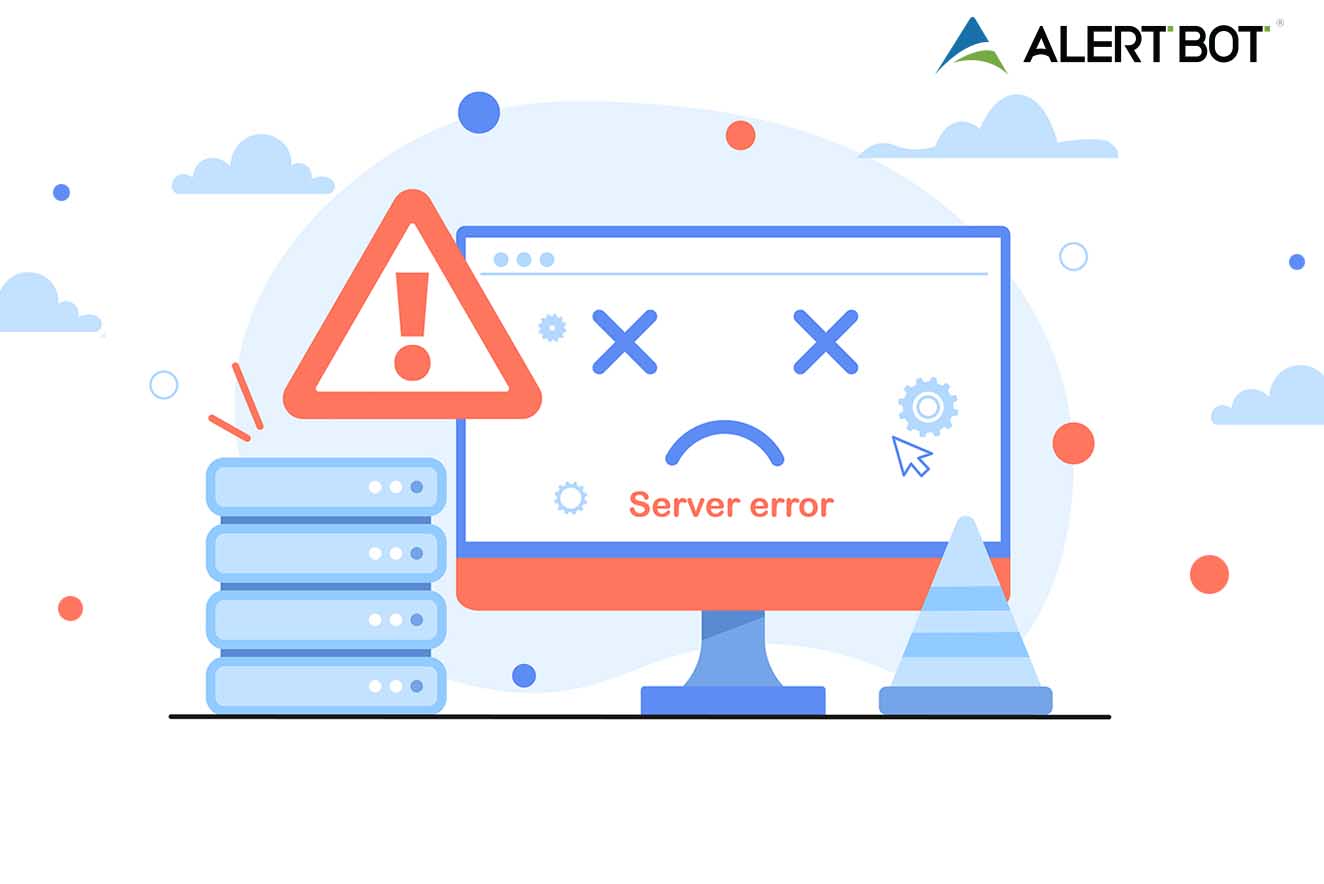
Graphic of a computer monitor with a frown face on the screen and x's for eyes. Clouds and spots float around, an exclamation point triangle alert symbol shows next to the monitor.
Web Performance Tips

What is a HTTP 500 Error & How Can You Fix It?

By AlertBot
February 15, 2024 3 Min Read
Comments Off on What is a HTTP 500 Error & How Can You Fix It?

Graphic of a computer monitor with a frown face on the screen and x's for eyes. Clouds and spots float around, an exclamation point triangle alert symbol shows next to the monitor. It reads "server error" on the monitor.

What is a HTTP 500 Error & How Can You Fix It?

One of the most valuable features of AlertBot’s web monitoring solution is that is automatically and continuously scans web pages for hundreds of possible errors, uniquely identifies them, and even captures a screenshot. Today, we’re going to take a deeper look at one of the many possible errors that AlertBot flags as part of its ongoing scans: HTTP 500 errors.

What is a HTTP 500 Error? An HTTP 500 error is an all-purpose error code. Basically, any error that doesn’t fit into an existing error code (e.g., 400: bad request, 403: forbidden, 404: not found, etc.), gets labeled as HTTP 500. Here’s what an HTTP 500 error looks like over at Google:

Image source

Potential Causes & How to Fix Them Here are some of the common triggers for an HTTP 500 error, along with possible solutions:

  • A corrupt .htaccess file. This is a text file that instructs software to enable or disable certain functions. It may be possible to fix this by examining your site’s .htaccess file and verifying that it is properly structured. Check out this easy-to-follow tutorial.
  • A permission error. This could be caused by networking issues, end user mistakes, or that most hated of virtual creatures: bugs! It may be possible to fix this by adjusting the permission on a CGI or PHP script.
  • A database connection error. Begin your (hopefully short) troubleshooting journey by verifying that the database login credentials are correct. If that doesn’t do the trick, then your database may be corrupted. Unfortunately, this is quite common; especially if you use WordPress, since the database is constantly being modified by users, plugins, and themes. Start by logging into phpMyAdmin, selecting all of the tables in the database, and then choosing the “Repair Table” option from the drop-down menu. If this doesn’t work, then restore your site from a working backup (you DO have a working backup, right?).
  • Faulty plugins. As you might expect, the simplest (but admittedly, not all that enjoyable) troubleshooting approach here is to start deactivating plugins one-by-one, starting with the most recently added.
  • Exceeding your PHP memory limit. Basically, PHP allows a default amount of memory to be used when processing a site. But sometimes, a certain page needs more than memory. If the problem is on the server-side, then try any/all of these methods: edit the PHP.ini file, edit the .htaccess file, edit the wp-config.php file (If working in WordPress), increase the PHP default memory using cPanel (if working in cPanel), or increase the PHP default memory via ini_set() function. Here is a simple tutorial for each method.
  • Browser compatibility issues. The best way to deal with this is by avoiding it in the first place by conducting rigorous cross-browser testing. If you did that and you still get a HTTP 500 error (or if you didn’t do that, but you pledge to do it going forward!), then check out these potential solutions.

The Final Word Use the above strategies to help you pinpoint and eliminate HTTP 500 errors — ideally as quickly and easily as possible. You can also rely on AlertBot’s comprehensive failure reporting to get notified when and where HTTP 500 errors occur.

Start a free trial of AlertBot today. There is nothing to download or install, no billing information is required, and you will be 100% setup in minutes. Get started now: click here.

Tags:

500500 Errorerrorerror fixfeaturefix errorHTTP 500 ErrorWhat is a HTTP 500 Error
Author

AlertBot

Follow Me
Other Articles
Battlebots Whiplash fighting with another robot. Green robot with metal arms up with Whiplash yellow robot preparing for attack in Battlebots arena
Previous

Exclusive AlertBot Interview with BattleBots’ Team Whiplash!

Next

3 Ways Site Uptime Monitoring Boosts SEO

Recent Posts

  • Unpacking the Elements of Site Uptime (by way of Jeopardy!)
  • API Monitoring Basics
  • Reality Bites: 7 Key Disadvantages of Real User Monitoring
  • 100% Solutions, Zero Snark: What Makes AlertBot Customer Support Superior
  • Synthetic Monitoring: Frequently Asked Questions

Recent Comments

No comments to show.

Archives

  • October 2025
  • August 2025
  • May 2025
  • April 2025
  • March 2025
  • November 2024
  • August 2024
  • April 2024
  • February 2024
  • January 2024
  • November 2023
  • October 2023
  • August 2023
  • July 2023
  • March 2023
  • February 2023
  • January 2023
  • December 2022
  • September 2022
  • August 2022
  • June 2022
  • April 2022
  • February 2022
  • December 2021
  • November 2021
  • September 2021
  • July 2021
  • May 2021
  • April 2021
  • February 2021
  • January 2021
  • December 2020
  • October 2020
  • August 2020
  • June 2020
  • April 2020
  • March 2020
  • February 2020
  • January 2020
  • November 2019
  • October 2019
  • September 2019
  • July 2019
  • June 2019
  • March 2019
  • January 2019
  • November 2018
  • October 2018
  • August 2018
  • June 2018
  • May 2018
  • April 2018
  • February 2018
  • January 2018
  • November 2017
  • October 2017
  • August 2017
  • July 2017
  • May 2017
  • April 2017
  • March 2017
  • February 2017
  • January 2017
  • December 2016
  • November 2016
  • September 2016
  • June 2016
  • May 2016
  • April 2016
  • March 2016
  • February 2016
  • January 2016
  • December 2015
  • November 2015
  • September 2015
  • August 2015
  • July 2015
  • June 2015
  • April 2015
  • March 2015
  • February 2015
  • September 2014
  • August 2014
  • May 2014

Categories

  • AlertBot Features
  • API Monitoring
  • Ecommerce Performance
  • Events
  • Industry Chatter
  • Real Browser Website Monitoring
  • Reports
  • SEO
  • Uptime Monitoring
  • Web Performance Tips
  • Website Showdowns

You May Have Missed

Real Browser Website Monitoring Uptime Monitoring

Unpacking the Elements of Site Uptime (by way of Jeopardy!)

AlertBot
By AlertBot
October 23, 2025
AlertBot Features API Monitoring Uptime Monitoring

API Monitoring Basics

AlertBot
By AlertBot
August 26, 2025
Real Browser Website Monitoring SEO Uptime Monitoring Web Performance Tips

Reality Bites: 7 Key Disadvantages of Real User Monitoring

AlertBot
By AlertBot
May 13, 2025
AlertBot Features Real Browser Website Monitoring Uptime Monitoring

100% Solutions, Zero Snark: What Makes AlertBot Customer Support Superior

AlertBot
By AlertBot
April 15, 2025
Synthetic Monitoring: Frequently Asked Questions title graphic illustration of a laptop and scientists checking graphs and charts
Real Browser Website Monitoring Uptime Monitoring

Synthetic Monitoring: Frequently Asked Questions

AlertBot
By AlertBot
March 5, 2025
Real Browser Website Monitoring Uptime Monitoring Web Performance Tips

Synthetic Website Monitoring Best Practices

AlertBot
By AlertBot
November 19, 2024
Real Browser Website Monitoring Uptime Monitoring Web Performance Tips

Three Advanced Notification Features that Your Site Uptime Monitoring Vendor MUST Deliver

AlertBot
By AlertBot
August 29, 2024
SEO Uptime Monitoring Web Performance Tips

3 Ways Site Uptime Monitoring Boosts SEO

AlertBot
By AlertBot
April 30, 2024
Graphic of a computer monitor with a frown face on the screen and x's for eyes. Clouds and spots float around, an exclamation point triangle alert symbol shows next to the monitor.
Web Performance Tips

What is a HTTP 500 Error & How Can You Fix It?

AlertBot
By AlertBot
February 15, 2024
Copyright 2026 — The Official Blog. All rights reserved. Blogsy WordPress Theme