Skip to content
The Official Blog The Official Blog
  • Home
  • About AlertBot
  • Home
  • About AlertBot
  • FaceBook
  • X
  • Instagram
  • LinkedIn
Free Trial
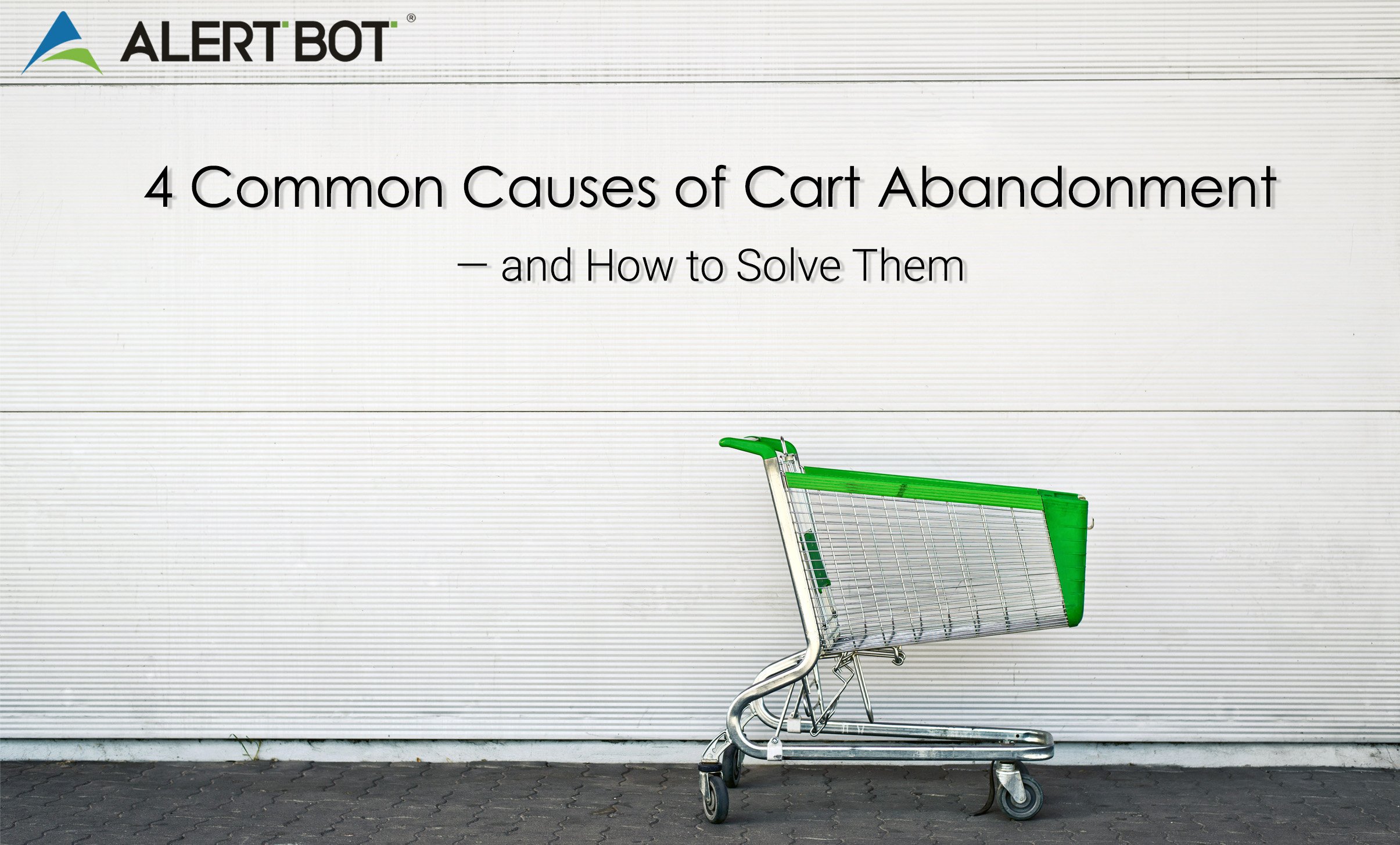
Image of a shopping cart with green trim set against a white wall. Text on the image reads "4 Common Causes of Cart Abandonment — and How to Solve Them"
Ecommerce PerformanceReal Browser Website MonitoringUptime MonitoringWeb Performance Tips

4 Common Causes of Cart Abandonment — and How to Solve Them

By AlertBot
September 5, 2019 3 Min Read
Comments Off on 4 Common Causes of Cart Abandonment — and How to Solve Them

Image of a shopping cart with green trim set against a white wall. Text on the image reads "4 Common Causes of Cart Abandonment — and How to Solve Them"

4 Common Causes of Cart Abandonment — and How to Solve Them

by Louis Kingston

It’s a sad story that has become so common, that it just kind of blends into the background — like that awful elevator jazz that some coffee shops play (Thelonious Monk would NOT approve), or economy class in-flight meals (there’s less sodium on a salt lick, and you don’t get rammed in the ankle by a cabin trolley). Alas, we’re talking about the cart abandonment epidemic.

And epidemic is indeed the right word, because this problem is not local or limited. Forrester Research pegs the number of customers who bid adios to their cart at 87%, with 70% of them choosing to do so just before checkout. Overall, $18 billion worth of products each year are left to languish in digital trolleys.

Here are four common and costly cart-based reasons why customers flee the sales funnel, rather than triumphantly complete the buyer’s journey:

  1. Unexpected costs.

Customers don’t merely dislike unexpected costs like shipping, or nebulous “handling” fees (what, are people buying plutonium or something?). They absolutely hate them. There might even be a clinical psychological aversion to this called “unexpectedcostphobia.”

The solution: be transparent about all automatic or potential costs by advertising a clear and realistic estimate, providing a delivery calculator on the home page (not buried at the end of the checkout process), and if possible, offering free shipping for a minimum purchase.

  1. Obliging customers to create an account.

A decade or two ago, customers didn’t mind creating an account to purchase something online, simply because they didn’t know there was any other way. It was part of the deal, like the turning of the earth or standing in line for longer than you should at the post office. It’s going to happen.

But now, customers have enjoyed a taste of the guest checkout experience — and many of them love it; especially if they’re suffering from security fatigue and wince at the idea of remembering more login credentials. Naturally, e-commerce sites that fail to cater to this preference set themselves up for plenty of cart abandonment.

The solution: if creating an account is mandatory, make the process as simple and fast as possible (and then make it even simpler and faster). In addition, give customers an incentive to create an account such as a discount offer, special gift, or anything else that has value and isn’t going to lead to a bankruptcy filing.

  1. Long and winding checkout process.

In 1970, The Beatles sang about the “Long and Winding Road” and scored yet another U.S. Billboard #1 hit. However, e-commerce sites that have a long and winding checkout process aren’t going to be certified platinum. They’re going to be certified terrified, because cart abandonment rates will be far higher than their competition.

The solution: ruthlessly streamline down the checkout process to the bare minimum, and use as few fields as possible. Yes, getting as much glorious customer data is important — but it’s not as important as getting customers on the roster in the first place.

  1. Bugs, bugs and more bugs.

Even entomologists don’t like website bugs and other completely preventable technical errors that make online shopping irritating instead of enjoyable. Even one of these bugs is enough to trigger cart (and brand) abandonment — let alone a bunch of them.

The solution: use a reputable third-party platform to constantly monitor all important web pages and multi-step processes — such as login, signup, checkout and so on — to proactively detect and destroy bugs, or anything else that makes customers miserable like slow page loading. Learn more about this here.


The Bottom Line
Completely eliminating cart abandonment isn’t possible, because there will always be customers who pause or stop the purchase process. But solving all of the problems described above significantly increases the chances that both carts and customers will get to the finish line, and be inspired to come back for more. And isn’t that the whole point?

Louis is a writer, author, and avid film fan. He has been writing professionally for tech blogs and local organizations for over a decade. Louis currently resides in Allentown, PA, with his wife and German Shepherd Einstein, where he writes articles for InfoGenius, Inc, and overthinks the mythos of his favorite fandoms.


Tags:

Cart AbandonmentecommercefeatureShoppingshopping cartShopping Cart Abandonmentweb performancewebperf
Author

AlertBot

Follow Me
Other Articles
Photograph of a corn field set against a bright blue sky. Test on it reads "If You Build It, They Won’t Come: 5 Big, Scary and Costly e-Commerce Site Mistakes"
Previous

If You Build It, They Won’t Come: 5 Big, Scary and Costly e-Commerce Site Mistakes

A graphic with a yellow starburst in the center and two robots charging towards each other. Both are carrying shopping bags. Text reads "AlertBot Showdown: Aeropostale vs GAP" with the word SHOWDOWN very large at the bottom.
Next

AlertBot Showdown: Aeropostale vs GAP (The Final Showdown)

Recent Posts

  • Unpacking the Elements of Site Uptime (by way of Jeopardy!)
  • API Monitoring Basics
  • Reality Bites: 7 Key Disadvantages of Real User Monitoring
  • 100% Solutions, Zero Snark: What Makes AlertBot Customer Support Superior
  • Synthetic Monitoring: Frequently Asked Questions

Recent Comments

No comments to show.

Archives

  • October 2025
  • August 2025
  • May 2025
  • April 2025
  • March 2025
  • November 2024
  • August 2024
  • April 2024
  • February 2024
  • January 2024
  • November 2023
  • October 2023
  • August 2023
  • July 2023
  • March 2023
  • February 2023
  • January 2023
  • December 2022
  • September 2022
  • August 2022
  • June 2022
  • April 2022
  • February 2022
  • December 2021
  • November 2021
  • September 2021
  • July 2021
  • May 2021
  • April 2021
  • February 2021
  • January 2021
  • December 2020
  • October 2020
  • August 2020
  • June 2020
  • April 2020
  • March 2020
  • February 2020
  • January 2020
  • November 2019
  • October 2019
  • September 2019
  • July 2019
  • June 2019
  • March 2019
  • January 2019
  • November 2018
  • October 2018
  • August 2018
  • June 2018
  • May 2018
  • April 2018
  • February 2018
  • January 2018
  • November 2017
  • October 2017
  • August 2017
  • July 2017
  • May 2017
  • April 2017
  • March 2017
  • February 2017
  • January 2017
  • December 2016
  • November 2016
  • September 2016
  • June 2016
  • May 2016
  • April 2016
  • March 2016
  • February 2016
  • January 2016
  • December 2015
  • November 2015
  • September 2015
  • August 2015
  • July 2015
  • June 2015
  • April 2015
  • March 2015
  • February 2015
  • September 2014
  • August 2014
  • May 2014

Categories

  • AlertBot Features
  • API Monitoring
  • Ecommerce Performance
  • Events
  • Industry Chatter
  • Real Browser Website Monitoring
  • Reports
  • SEO
  • Uptime Monitoring
  • Web Performance Tips
  • Website Showdowns

You May Have Missed

Real Browser Website Monitoring Uptime Monitoring

Unpacking the Elements of Site Uptime (by way of Jeopardy!)

AlertBot
By AlertBot
October 23, 2025
AlertBot Features API Monitoring Uptime Monitoring

API Monitoring Basics

AlertBot
By AlertBot
August 26, 2025
Real Browser Website Monitoring SEO Uptime Monitoring Web Performance Tips

Reality Bites: 7 Key Disadvantages of Real User Monitoring

AlertBot
By AlertBot
May 13, 2025
AlertBot Features Real Browser Website Monitoring Uptime Monitoring

100% Solutions, Zero Snark: What Makes AlertBot Customer Support Superior

AlertBot
By AlertBot
April 15, 2025
Synthetic Monitoring: Frequently Asked Questions title graphic illustration of a laptop and scientists checking graphs and charts
Real Browser Website Monitoring Uptime Monitoring

Synthetic Monitoring: Frequently Asked Questions

AlertBot
By AlertBot
March 5, 2025
Real Browser Website Monitoring Uptime Monitoring Web Performance Tips

Synthetic Website Monitoring Best Practices

AlertBot
By AlertBot
November 19, 2024
Real Browser Website Monitoring Uptime Monitoring Web Performance Tips

Three Advanced Notification Features that Your Site Uptime Monitoring Vendor MUST Deliver

AlertBot
By AlertBot
August 29, 2024
SEO Uptime Monitoring Web Performance Tips

3 Ways Site Uptime Monitoring Boosts SEO

AlertBot
By AlertBot
April 30, 2024
Graphic of a computer monitor with a frown face on the screen and x's for eyes. Clouds and spots float around, an exclamation point triangle alert symbol shows next to the monitor.
Web Performance Tips

What is a HTTP 500 Error & How Can You Fix It?

AlertBot
By AlertBot
February 15, 2024
Copyright 2026 — The Official Blog. All rights reserved. Blogsy WordPress Theme