Skip to content
The Official Blog The Official Blog
  • Home
  • About AlertBot
  • Home
  • About AlertBot
  • FaceBook
  • X
  • Instagram
  • LinkedIn
Free Trial
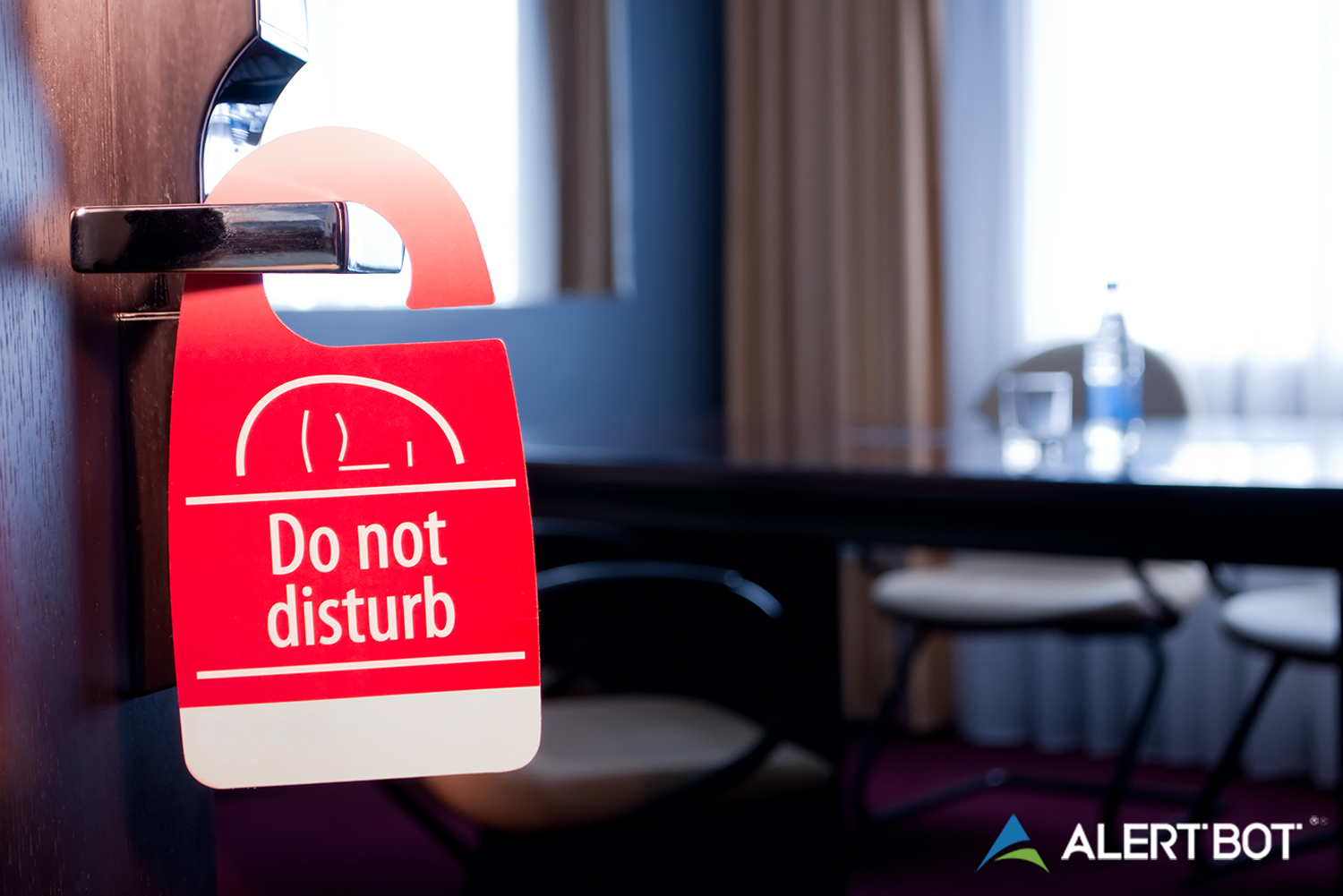
AlertBot blog titled "Why Your Website Monitoring Solution Needs a Do-Not-Disturb Feature" with a photo of a hotel room out of focus in the background and a "Do Not Disturb" sign on the doorknob in the foreground. AlertBot logo is placed in the lower right.
AlertBot FeaturesReal Browser Website MonitoringUptime MonitoringWeb Performance Tips

Why Your Website Monitoring Solution Needs a Do-Not-Disturb Feature

By AlertBot
March 27, 2023 3 Min Read
Comments Off on Why Your Website Monitoring Solution Needs a Do-Not-Disturb Feature

AlertBot blog titled "Why Your Website Monitoring Solution Needs a Do-Not-Disturb Feature" with a photo of a hotel room out of focus in the background and a "Do Not Disturb" sign on the doorknob in the foreground. AlertBot logo is placed in the lower right.

Why Your Website Monitoring Solution Needs a Do-Not-Disturb Feature

It is so low-tech that Gen Z’ers and other digital natives may faint (or perhaps the avatar in a VR game that they are playing may faint) to learn that one of the greatest inventions in the history of our species is the humble do-not-disturb sign. Indeed, this magical placard is like having a very own private Gandalf shouting: YOU SHALL NOT PASS!

However, the glory of do-not-disturb is not limited to hotels, motels, and teenagers’ bedrooms. It is also a must-have feature in website monitoring solutions.

Why is a Do-Not-Disturb Feature So Important?

It does not take a Jeopardy! champion to know that do-not-disturb means (…wait for it…) “do-not-disturb” — which seems like the very last thing that organizations would want if there are site performance issues. On the contrary, the alarm bells via SMS, email and/or phone call should ring loud and clear. Or…maybe not.

In some cases, it makes perfect sense to pull individuals or teams off the notification list. For example:

  • An individual such as a CTO or SysAdmin is on leave (vacation, illness, personal, etc.).
  • A site is being tested, migrated or updated, and as such it will go offline for a specific and predictable period of time.
  • Per policy, certain individuals/teams do not get alerted to website performance issues during specific times (e.g. after hours, weekends, holidays, etc.).

What to Look For

A do-not-disturb feature is essential. But this does not mean that all website monitoring solutions that claim to offer this are in the same class. Here is what to look for:

  • An extremely easy-to-use dashboard. Advanced technology is dizzyingly complex. But if you need a PhD in computer science and a wall full of industry certificates to use the do-not-disturb feature, then keep looking. Easy does it.
  • The ability to create as few or as many do-not-disturb events as required, and to see all of them at-a-glance through the extremely easy-to-use dashboard.
  • The option to add notes so that everyone understands why a do-not-disturb schedule was created. For example: “we are migrating to new site on 2/15 and as a result the site will be down from 12:00am to 4:00am”.
  • The option to select individuals or teams who will not get notified.
  • The option to schedule the do-not-disturb as a one-time or ongoing event.
  • The option to select what sites the do-not-disturb applies to. For example: the Dev Team will not be alerted to uptime issues for, say, the “ACME Anti-Roadrunner Anvils” site from 12:00am to 5:00am on 2/15, but they will be alerted to performance issues for all other sites that are being monitored.

The Bottom Line

 Without a versatile do-not-disturb feature, members of your organization will be very disturbed — because at certain times, they will be alerted to website performance issues that they cannot and should not do anything about. This is a waste of time and resources, and can trigger confusion and chaos (and, let’s face it, it’s not great for blood pressure levels, either).

AlertBot’s website monitoring solution has a built-in do-not-disturb feature that checks ALL of the boxes described above. Learn more with a free trial. There is nothing to download and install, no billing information required, and you will be 100% setup in minutes. Get started now: click here.


Tags:

Do-Not-Disturbfeature
Author

AlertBot

Follow Me
Other Articles
AlertBot Blog titled "A Closer Look at AlertBot's Failure Reporting Feature" with image of a man with a headset on sitting at a computer in front of a screen that looks like a NASA space terminal.
Previous

A Closer Look at AlertBot’s Failure Reporting Feature

AlertBot Blog titled "7 Deadly e-Commerce Checkout Sins" with the photo of an Asian woman sitting at a laptop with a tablet in one hand and her face in the palm of the other hand looking distressed.
Next

7 Deadly e-Commerce Checkout Sins

Recent Posts

  • Unpacking the Elements of Site Uptime (by way of Jeopardy!)
  • API Monitoring Basics
  • Reality Bites: 7 Key Disadvantages of Real User Monitoring
  • 100% Solutions, Zero Snark: What Makes AlertBot Customer Support Superior
  • Synthetic Monitoring: Frequently Asked Questions

Recent Comments

No comments to show.

Archives

  • October 2025
  • August 2025
  • May 2025
  • April 2025
  • March 2025
  • November 2024
  • August 2024
  • April 2024
  • February 2024
  • January 2024
  • November 2023
  • October 2023
  • August 2023
  • July 2023
  • March 2023
  • February 2023
  • January 2023
  • December 2022
  • September 2022
  • August 2022
  • June 2022
  • April 2022
  • February 2022
  • December 2021
  • November 2021
  • September 2021
  • July 2021
  • May 2021
  • April 2021
  • February 2021
  • January 2021
  • December 2020
  • October 2020
  • August 2020
  • June 2020
  • April 2020
  • March 2020
  • February 2020
  • January 2020
  • November 2019
  • October 2019
  • September 2019
  • July 2019
  • June 2019
  • March 2019
  • January 2019
  • November 2018
  • October 2018
  • August 2018
  • June 2018
  • May 2018
  • April 2018
  • February 2018
  • January 2018
  • November 2017
  • October 2017
  • August 2017
  • July 2017
  • May 2017
  • April 2017
  • March 2017
  • February 2017
  • January 2017
  • December 2016
  • November 2016
  • September 2016
  • June 2016
  • May 2016
  • April 2016
  • March 2016
  • February 2016
  • January 2016
  • December 2015
  • November 2015
  • September 2015
  • August 2015
  • July 2015
  • June 2015
  • April 2015
  • March 2015
  • February 2015
  • September 2014
  • August 2014
  • May 2014

Categories

  • AlertBot Features
  • API Monitoring
  • Ecommerce Performance
  • Events
  • Industry Chatter
  • Real Browser Website Monitoring
  • Reports
  • SEO
  • Uptime Monitoring
  • Web Performance Tips
  • Website Showdowns

You May Have Missed

Real Browser Website Monitoring Uptime Monitoring

Unpacking the Elements of Site Uptime (by way of Jeopardy!)

AlertBot
By AlertBot
October 23, 2025
AlertBot Features API Monitoring Uptime Monitoring

API Monitoring Basics

AlertBot
By AlertBot
August 26, 2025
Real Browser Website Monitoring SEO Uptime Monitoring Web Performance Tips

Reality Bites: 7 Key Disadvantages of Real User Monitoring

AlertBot
By AlertBot
May 13, 2025
AlertBot Features Real Browser Website Monitoring Uptime Monitoring

100% Solutions, Zero Snark: What Makes AlertBot Customer Support Superior

AlertBot
By AlertBot
April 15, 2025
Synthetic Monitoring: Frequently Asked Questions title graphic illustration of a laptop and scientists checking graphs and charts
Real Browser Website Monitoring Uptime Monitoring

Synthetic Monitoring: Frequently Asked Questions

AlertBot
By AlertBot
March 5, 2025
Real Browser Website Monitoring Uptime Monitoring Web Performance Tips

Synthetic Website Monitoring Best Practices

AlertBot
By AlertBot
November 19, 2024
Real Browser Website Monitoring Uptime Monitoring Web Performance Tips

Three Advanced Notification Features that Your Site Uptime Monitoring Vendor MUST Deliver

AlertBot
By AlertBot
August 29, 2024
SEO Uptime Monitoring Web Performance Tips

3 Ways Site Uptime Monitoring Boosts SEO

AlertBot
By AlertBot
April 30, 2024
Graphic of a computer monitor with a frown face on the screen and x's for eyes. Clouds and spots float around, an exclamation point triangle alert symbol shows next to the monitor.
Web Performance Tips

What is a HTTP 500 Error & How Can You Fix It?

AlertBot
By AlertBot
February 15, 2024
Copyright 2026 — The Official Blog. All rights reserved. Blogsy WordPress Theme